Introduction to nekobox #
nekobox is a multifunctional sing-box proxy client for the Android platform. It works similarly to a VPN. It is powerful and supports multiple proxy protocols, including: SOCKS, HTTP, SSH, Shadowsocks, VMess, vless,Trojan, AnyTLS, ShadowTLS, TUIC, Hysteria, WireGuard, Trojan-Go, NaïveProxy, Mieru, xray, and more.
It allows quick and stable access to the internet by importing proxy nodes and setting up proxies. Other similar applications include: v2rayNG, karing, sing-box, hiddify, v2box, flclash, mahsang, stash, shadowrocket, nekoha, v2rayTun, clash vergeetc.
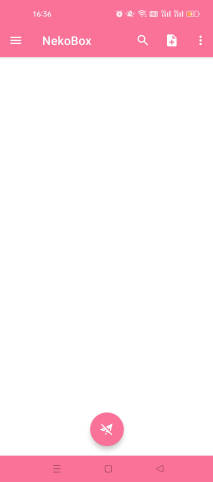
Download and Installation of nekobox #
Recommended Services #
- The following providers charge based on traffic usage. Their websites include software usage and installation tutorials.
- After purchasing traffic, there is no time limit — the traffic remains valid until it is fully used.
- If a website is inaccessible, it likely means it has been blocked; simply switch to another provider.
| Name | Price | Traffic | Nodes |
|---|---|---|---|
| Mojie | ¥1 | 1GB | 30 |
| Wangji Express | ¥7 | 20GB | 54 |
| Niubi | ¥14 | 200GB | 31 |
| Feitu | ¥30 | 100GB | 80 |
| Nongfu Spring | ¥45 | 200GB | 40 |
| Baobei Cloud | ¥55 | 600GB | 64 |
| Freedom Cat | ¥89 | 200GB | 71 |
| fscloud | ¥99 | 1000GB | 82 |
Tutorial on Purchasing and Using Nodes #
- The software only works after importing VPN nodes.
- A node is a server on the internet that can be used with nekobox to access the web.
- This allows access to the international internet.
- Independent nodes are the most stable since they are not affected by external factors, making them more reliable and less likely to be blocked.
- This provider has 23 nodes across about 10 countries with very fast speed. Click to register
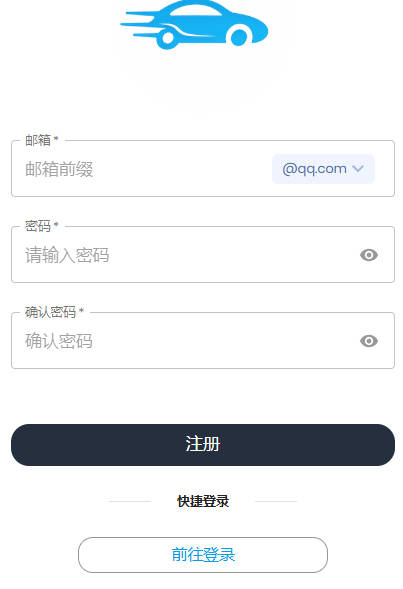
- Enter your email and password, then log in.
- Go to the homepage and click “Purchase Subscription”.
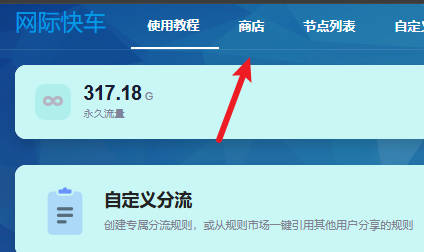
- As shown, find the ¥15 / 200G plan, which is cost-effective.
- The traffic does not expire — as long as you don’t use it up, you can still use it even after 2–3 years.
- Monthly subscriptions are different: once the time expires, they cannot be used.
- Click the plan, then pay via Alipay.
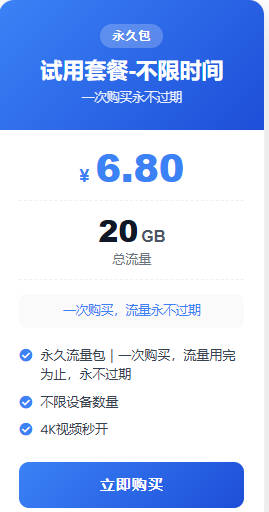
- After successful payment, return to the homepage.
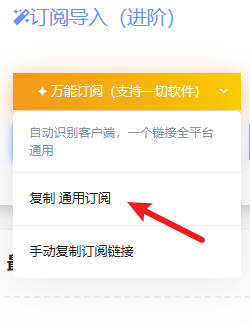
- Click “One-click Subscription” and copy the link.
- Open nekobox and click the three lines in the top left corner.
- Click Groups.
- Click the plus sign in the top right corner.
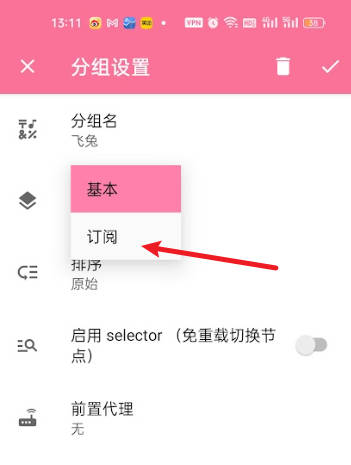
- Select Group Type → Subscription.
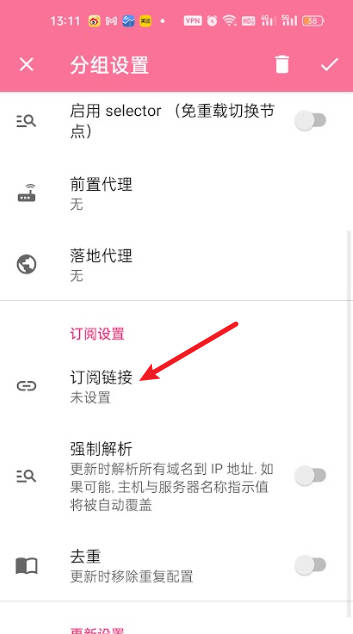
- In the subscription settings, paste the copied subscription link.
- Then click the checkmark in the top right corner to save.
- Then click Update.
- Click the three lines in the top left corner to return to the homepage.
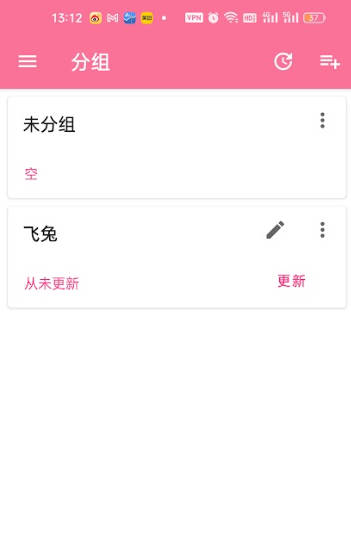
- Now you will see the subscribed nodes.
- Click the small airplane icon at the bottom to connect.
- Some phones may prompt for authorization, click Allow.
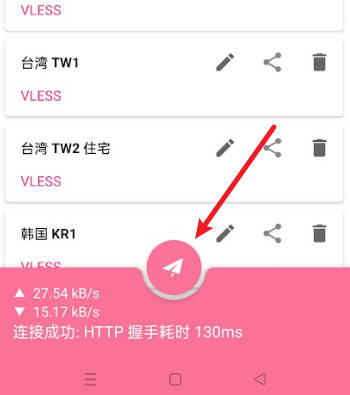
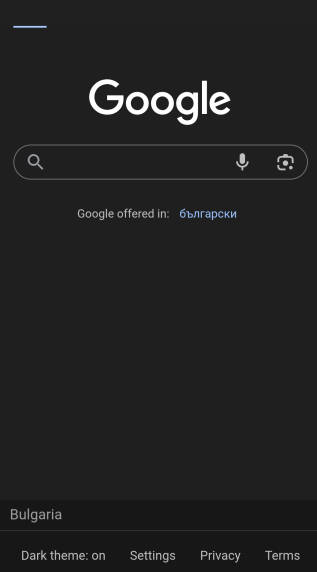
- Open Google to test.